The SwitchUpCB Blog Overhaul is Completed
The SwitchUpCB Blog Overhaul is Completed
LOG - SwitchUpCB sets the standard for the documentation of your life by documenting the life of Caleb Browne.
Here are the features of this new documentation system which replaces the SwitchUpCB Blog.
🗺️ What is the Global Graph and Table?
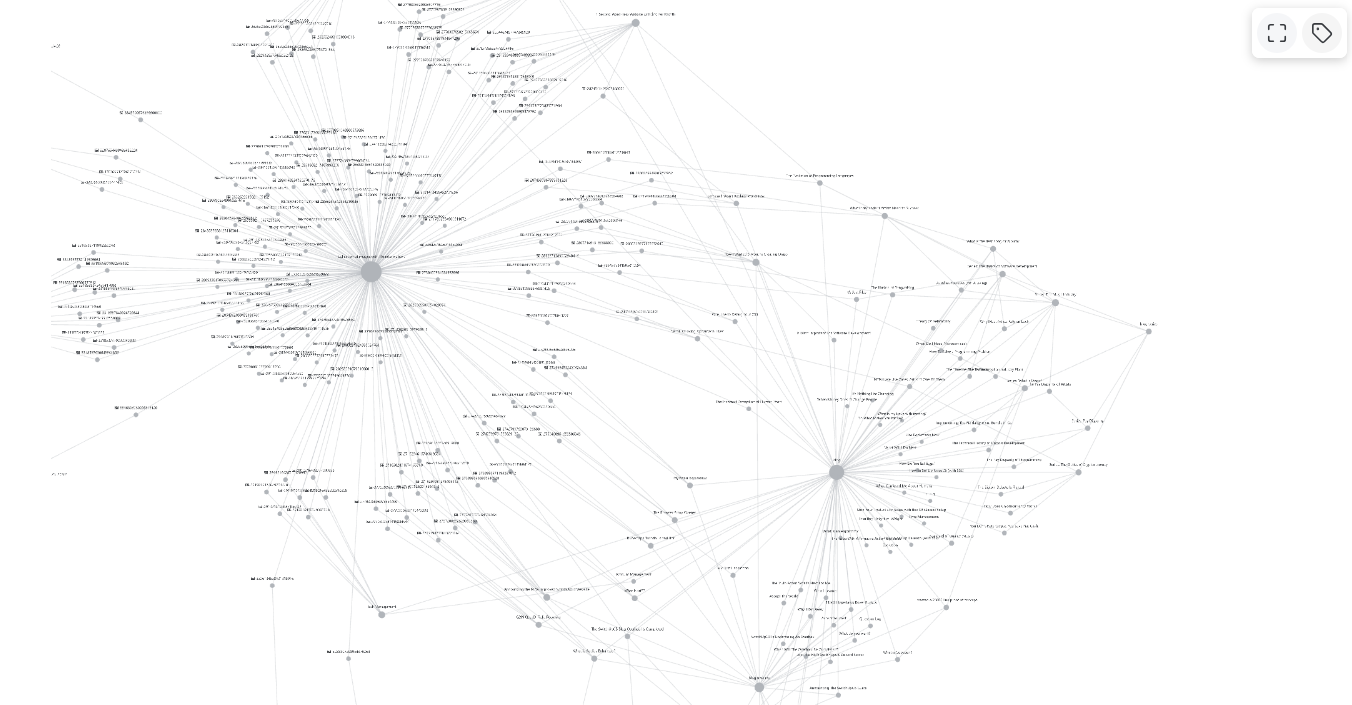
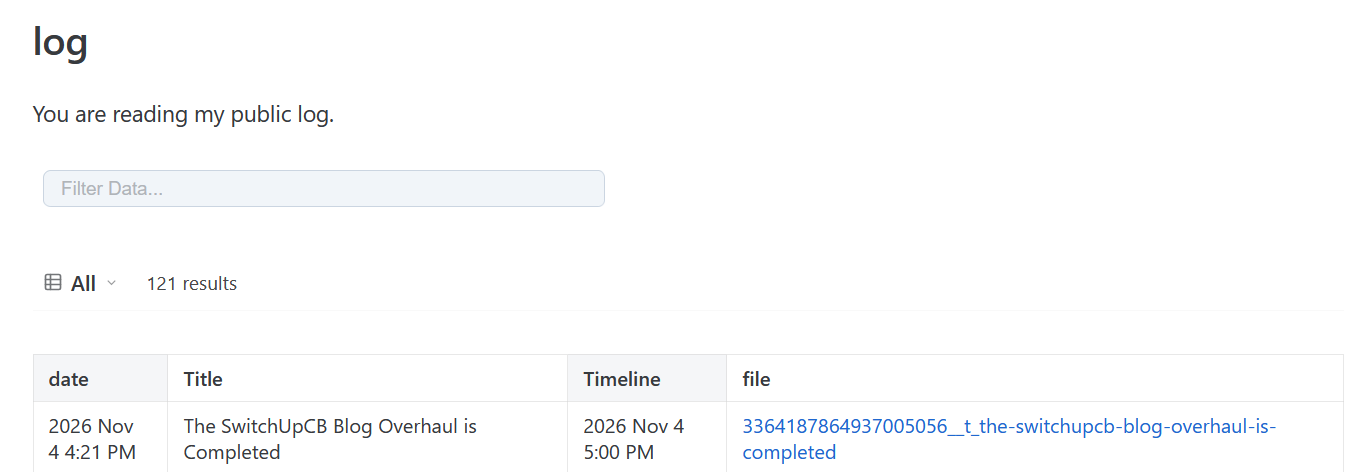
The Global Graph and Log Table(s) show every log in the system.
You can view how logs are connected and find related logs using the graph at ../log.
You can find every log in the published system using the table at ../log.
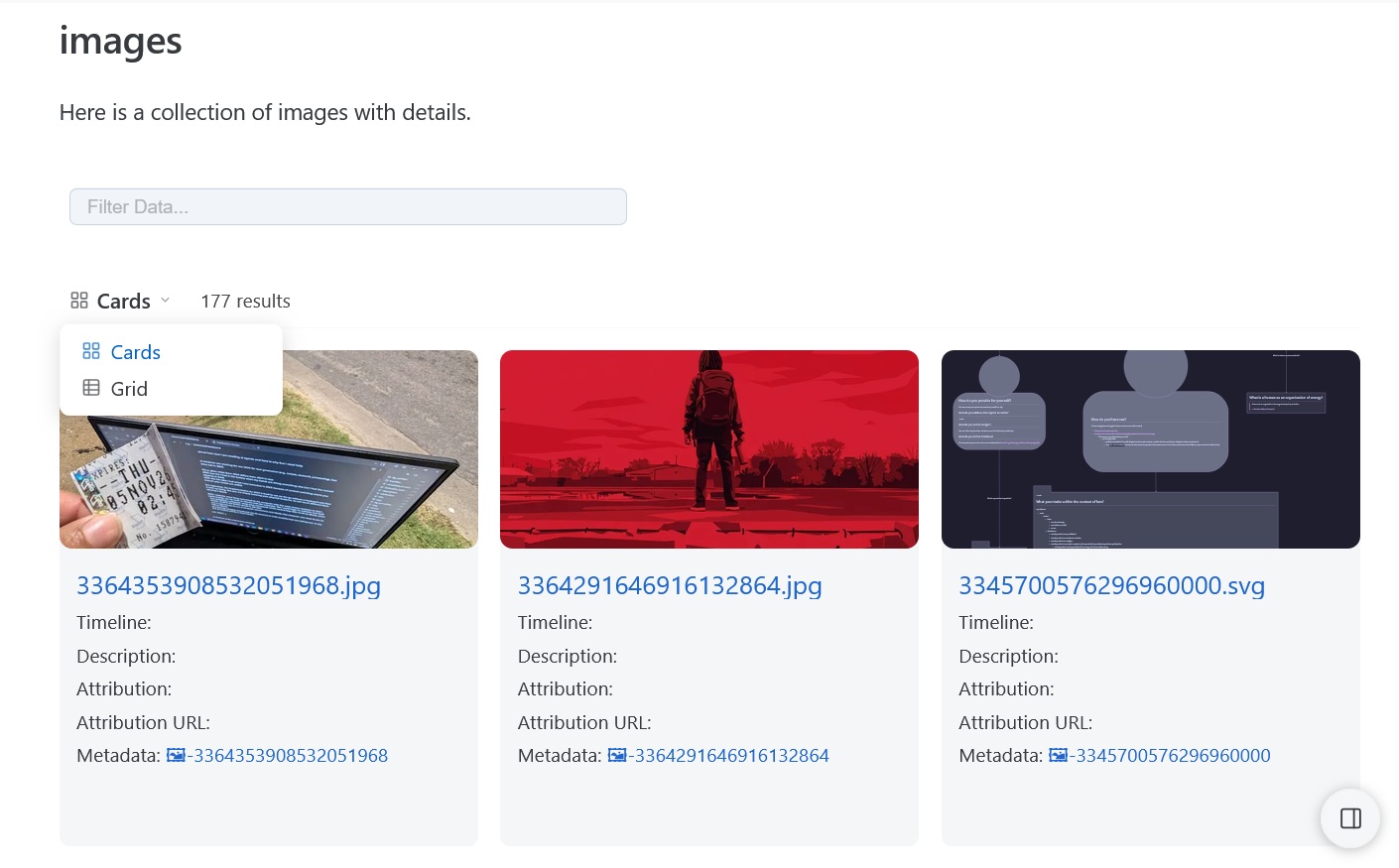
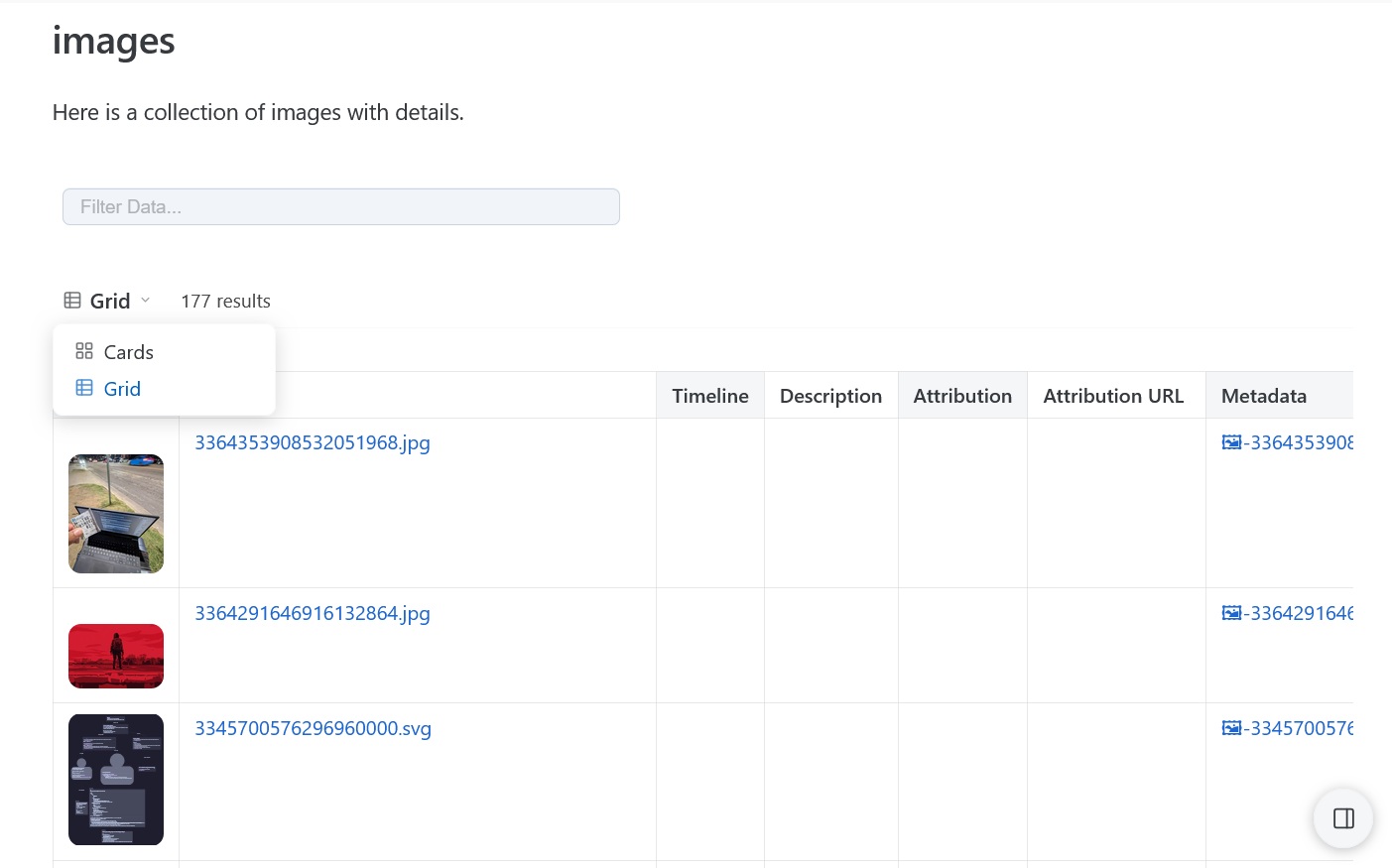
You can find every image and the image's metadata in the published system using the table at images.
-
Card View: Used to view images in cards.
🔗 -
Grid View: Used to view images in a grid with columns and rows.
🔗
📁 What are Collections?
Collections are groups of logs displayed in various formats (e.g., as a file tree, table, card grid).
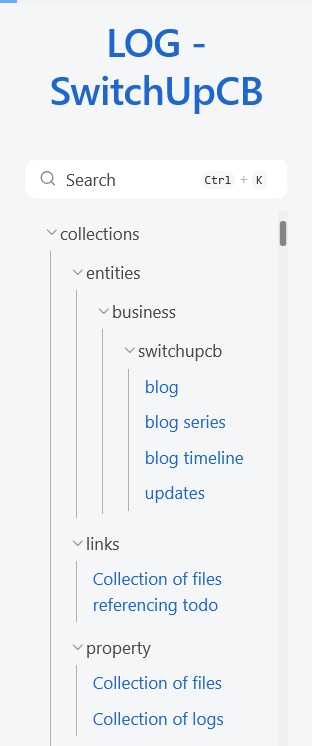
You find an example of a collection — which uses all of the imported blog posts from the SwitchUpCB Blog — at https://log.switchupcb.com/blog.
What are Data Views in a Collection?
Data views in a collection help you understand more information about a collection by visualizing the collection in various formats (e.g., as a file tree, table, card grid).
You can change the data view of a collection by selecting the View Dropdown Selection Box of a Collection Database.
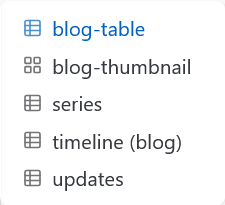
The [https://log.switchupcb.com/blog](SwitchUpCB blog collection) contains five views.
-
blog-table: Used to view logs related to the SwitchUpCB blog in a table. -
blog-thumbnail: Used to view logs related to the SwitchUpCB blog in a grid of cards with thumbnail image previews. -
series: Used to view logs containing a series of posts related to the SwitchUpCB blog (in a table). -
Timeline: Used to view logs related to the SwitchUpCB blog in a table-formatted chronological-timeline which shows when the related event happened. -
updates: Used to view logs related to SwitchUpCB updates and announcements in a table-formatted chronological-timeline.
What is featured in the header of a log ?
Here are the features implemented in a log header.
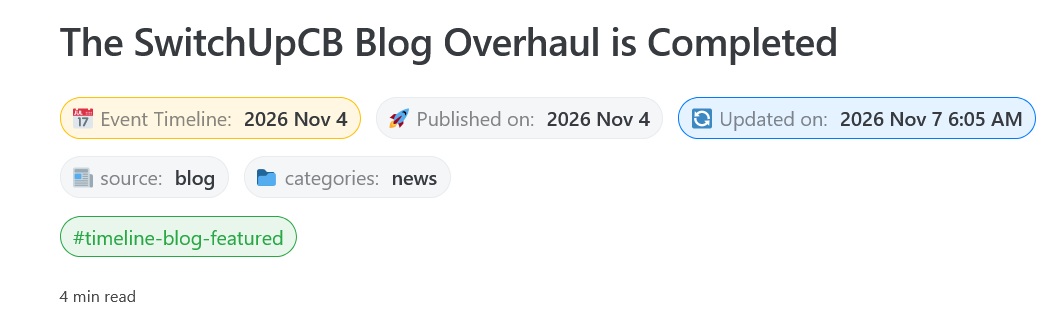
1. Note Indicators for Time-Related Context
You can understand the development timeline of a log by reading its time-related note indicators which read from left-to-right (chronologically).
- 📅 Event Timeline: Use this indicator to determine when an event happened.
- ✏️ Created on: Use this indicator to determine when the log was created or imported.
- 🚀 Published on: Use this indicator to determine when the log was published (e.g., on a third-party platform).
- 🔄 Updated on: Use this indicator to determine the last time the log was modified.
2. Custom Classifiers
You can understand the classification of specialized logs with custom classifiers.
Here is an example of the custom classifier used on a log from the SwitchUpCB blog (as indicated by source: blog).
The category of a blog indicates the content format of the log.
| Status (Default) | Category | Description |
|---|---|---|
| Unlocked | Article | Long essays, concepts, and thoughts that are not about a specific project. |
| Unlocked | Documentation | Guides, research, systems, and standards. |
| Unlocked | News | News, updates, and releases. |
| Unlocked | Project | Project Breakdowns with goals, development timelines, and results. |
| Unlocked | Shortform | Brief notes, thoughts, and ideas. |
| Unlocked | Technical | Technical concepts, guides, and optimizations. |
| Locked | Interview | Job interviews. |
| Locked | Moment | Events recorded in a present first-person narrative. |
| Locked | Story | Events recorded in a retrospective first-person narrative. |
| Locked | Report | Behind-the-scenes retrospectives related to projects. |
3. Tags
You can use tags to find notes related to a topic.
4. Read Time
The read time indicator is an estimate of how long a log takes to read.
What is featured in the content of a log?
Here are features implemented in the log's content and sidebars.
-
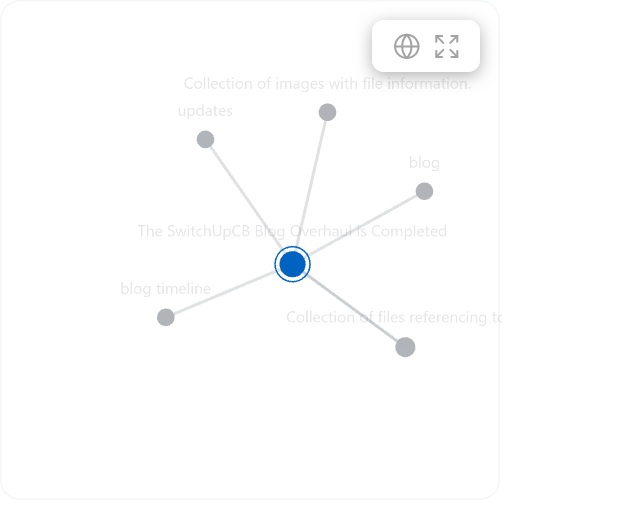
Sidebar (Right): Local Graph: Use this feature to view a log's network which contains
other logsthat mention or are mentioned by the log. -
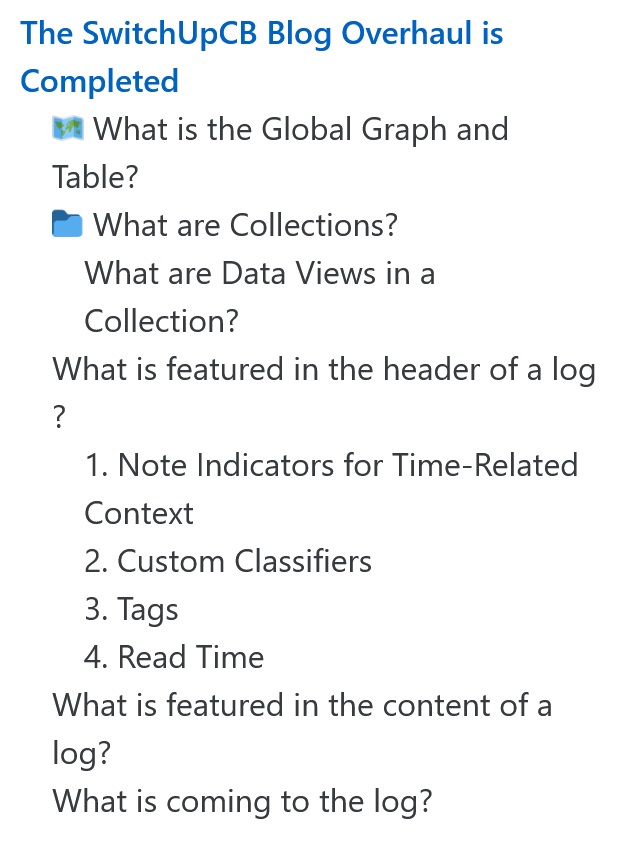
Sidebar (Right): Table of Contents: Use this feature to learn how the log is structured and scroll to headings.
-
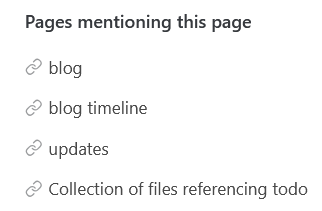
Sidebar (Right): Backlinks ("Pages Mentioning"): Use this feature to find logs which directly link to the log displaying the backlinks.
-
Sidebar (Bottom): Related Logs: Use this feature to find log recommendations based on various factors.

What is coming to the log?
Here are features which will be implemented in the log.
- The Global Activity Stream (
/activity/): https://switchupcb.com/activity/ will be implemented by migration events from third-party platforms (e.g., YouTube music, GitHub software, Reddit). So, SwitchUpCB music, software, and social activities will also be logged. - The Personal Event Ledger (
/caleb/): https://switchupcb.com/caleb/ will be implemented by migrating Caleb's notes about day-to-day operations, tracked biometric data, and other information to this documentation system.
todo fix 91 broken links
todo redirect old blog